Two kinds of appointment booking
Dedicated booking plugins such as Bookly, Amelia or Simply Schedule Appointments are built for businesses that mainly hand out appointments, such as practices, salons or studios: with services, staff and a booking page.
The second kind books the appointment inside the form: the visitor answers a few questions first and then picks a time. That fits when you want to know what it is about before the call, for example a consultation, an on-site visit or a first meeting. This is how Funnelforms Pro works.
What matters
- Calendar sync both ways. Busy times cannot be booked, booked appointments land in your calendar.
- Time zone. Visitors see times in their own time zone.
- Rules. Times per weekday, buffers, notice period, closed days.
- Emails. Confirmation with a calendar file, reminders, a link to reschedule or cancel.
- No double bookings. The time is checked again on submit.
- Privacy. Which data goes to which service, and what loads only after consent?
How to set it up in Funnelforms Pro
1. Connect your calendar
Connect Google Calendar, Microsoft Outlook (365, Outlook.com, Exchange Online), Apple iCloud or another CalDAV calendar. You can choose several calendars to check.
2. Create an appointment type
Decide whether it is on site, by phone or by video call, when people can book, how long an appointment lasts, which buffer applies before and after, and how many appointments are possible per day. Appointments can be with one or several people, in turn or together.
3. Add the appointment field to the form
Place the appointment field after the questions you need before the call. The appointment then appears in the entry and, through placeholders, in the emails.
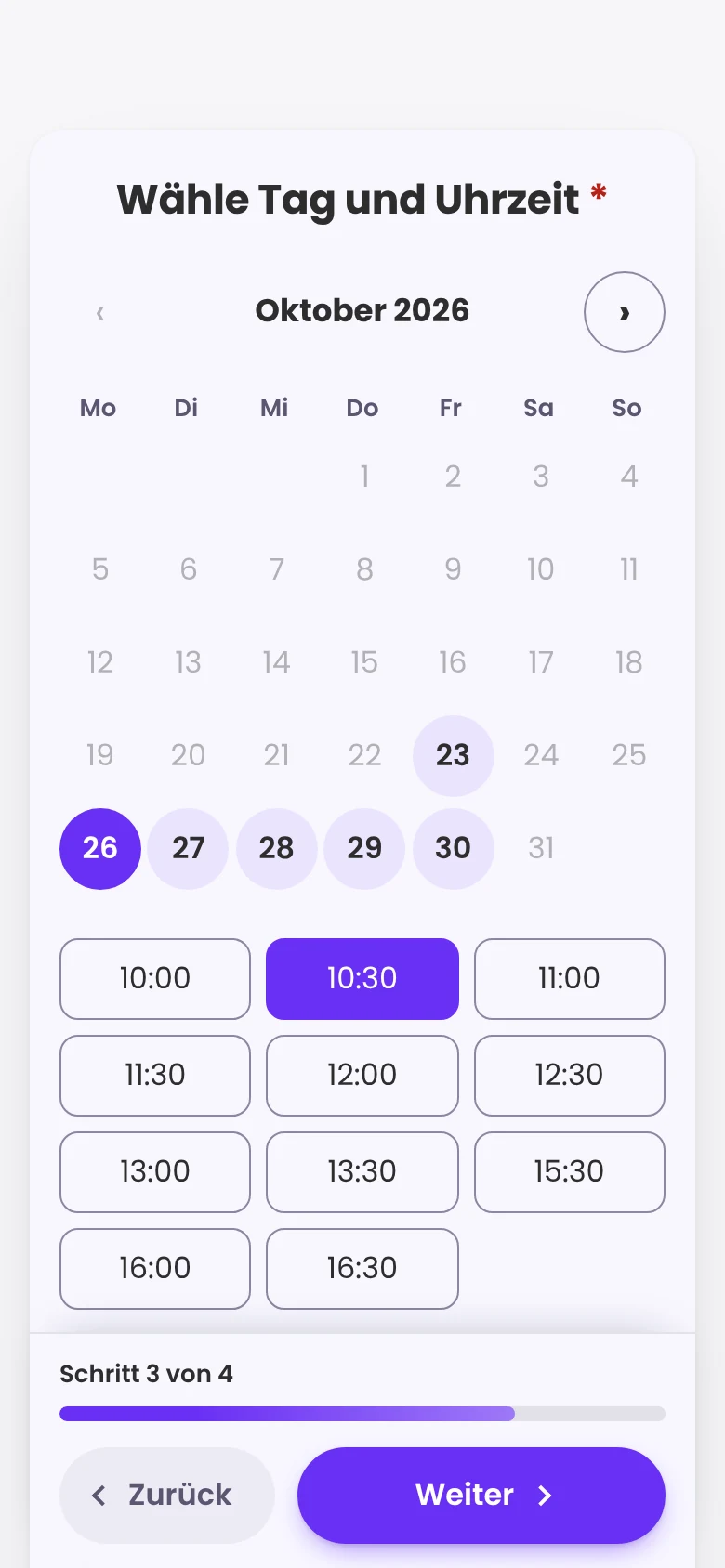
4. Emails and reminders
Visitors get a confirmation with a calendar file and a link to change or cancel, plus reminders 15 minutes, 1 hour, 1 day or 2 days before. Under Funnelforms → Appointments you see all appointments and mark them as "Done" or "No-show".
Combine appointment and payment
For paid appointments, add a payment through Stripe, PayPal or Mollie, as the full amount or a deposit. Emails and hand-offs can wait until the payment is through.
Frequently asked questions
Is appointment booking included in Funnelforms Free?
No, appointment booking is part of Pro, in every plan.
Do I need an account with a scheduling service?
No. Funnelforms connects directly to your calendar. For Google and Microsoft you sign in to your calendar account once.
I have appointments from Funnelforms 3. Will I lose them?
No. The migration turns appointment events into appointment types and keeps booked times blocked. You reconnect your calendar afterwards.