What HubSpot is
HubSpot is a US platform with a CRM at its heart: a database for contacts, companies, deals and everything that happens with them. Around this CRM there are several hubs that you buy individually or together:
| Hub | What for |
|---|---|
| Marketing Hub | Emails, landing pages, forms, social media, ads, automations |
| Sales Hub | Pipelines, deals, tasks, sequences, meetings, quotes |
| Service Hub | Tickets, knowledge base, live chat, customer feedback |
| Content Hub | Website and blog on HubSpot |
Because all hubs use the same contact data, sales sees which emails a contact opened, and service sees what they bought.
What a CRM is and why it pays off
A CRM (customer relationship management) is a company's shared memory for customers and prospects. Instead of inboxes, spreadsheets and heads, one place holds who the contact is, what they asked for, who last spoke to them and what happens next.
It pays off as soon as more than one person talks to customers, enquiries arrive through several channels, or you want to know which ads lead to deals and not just to clicks.
What is free
HubSpot has permanently free tools. With them you can manage contacts and deals, use simple forms and emails, let people book meetings and add a live chat. For getting started and small teams that is often enough for quite a while. Limits apply to automations, reports and branding, which stays visible in the free tools.
First steps
- Create an account and enter company details, time zone and currency.
- Look at the dashboard. Which numbers do you need every week? Set them up as a report.
- Import contacts, for example from a spreadsheet. Remove duplicates first and only import contacts with consent.
- Set up the pipeline with the stages your sales process really has, not the default ones.
- Connect inputs: website forms, email inbox, calendar.
- First automation for something that happens by hand today, such as a task for sales on a new enquiry.
Winning and nurturing leads
- Personas: describe two or three typical customers with goal, problem and objection. Align content and emails with them.
- Content and SEO: guides, blog and landing pages bring visitors, forms turn them into contacts.
- Lead nurturing: automated emails until someone is ready for a conversation.
- Lead scoring: points for behaviour and attributes show sales whom to call first.
Service and reporting
In Service Hub, requests become tickets with status and owner. A knowledge base answers recurring questions, a chat on the website catches the rest. Reports show how fast you respond and how satisfied customers are.
Through the marketplace you connect HubSpot with hundreds of other tools, from Google Workspace and Microsoft 365 to payment and accounting software. Free courses in HubSpot Academy help you learn.
What HubSpot costs in 2026
HubSpot charges per hub, edition and seat. List prices in US dollars, as of November 2026 according to public pricing information and price comparisons:
| Edition | Price | Note |
|---|---|---|
| Free tools | $0 | CRM and core features |
| Starter | about $15 to $20 per seat per month | Cheaper billed annually, sometimes promotional prices |
| Sales or Service Professional | about $90 to $100 per seat per month | Plus a one-time onboarding fee |
| Marketing Professional | from about $890 per month | With three seats and 2,000 marketing contacts, plus onboarding fee |
The biggest jump is between Starter and Professional. Before upgrading, work out which feature is worth the extra cost, and check the current pricing page.
Five practical tips
- Start small. First a clean CRM and pipeline, then marketing automation.
- Create properties sparingly. Every new field needs someone to maintain it.
- Consistent names for deals, stages and lists, so reports add up.
- Sort out data protection: data processing agreement, data location, consents.
- Clean up regularly: duplicates, old deals, inactive contacts that cost money as marketing contacts.
Who HubSpot suits
| Good fit | Less of a fit | |
|---|---|---|
| Team | Marketing and sales work closely together | One person who only answers enquiries |
| Growth | You want to start with free tools and expand later | A fixed, small customer base without acquisition |
| Budget | Willing to pay considerably more from Professional | Tight budget with many marketing contacts |
Common mistakes at the start
- Rolling out everything at once. Three hubs, twenty automations, after four weeks nobody uses them.
- Importing old data unchecked. Duplicates and contacts without consent are hard to get out again.
- No rules for the team. Who creates deals, when does the stage change, who maintains contacts?
- Forms without context. A contact with name and email is worth little to sales. Ask in the form for what matters in the first conversation.
Enquiries from WordPress into HubSpot
HubSpot has its own forms, but for enquiries with many questions, branching, price calculators or appointment booking they are thin. With Funnelforms you build these funnels in your WordPress, and Funnelforms Pro passes them straight to HubSpot: it creates a contact and a deal with the answers from the form.
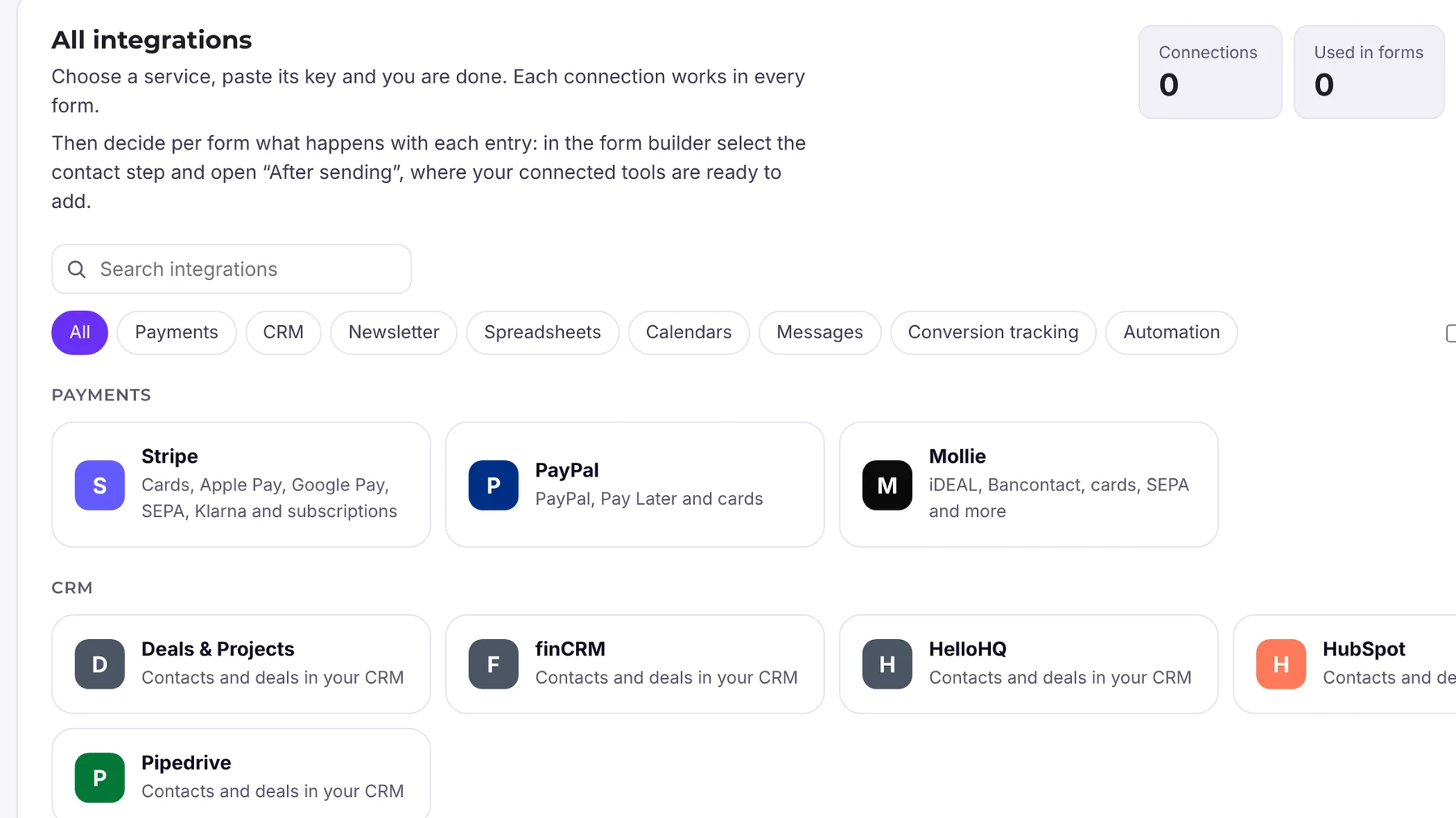
You set up the connection once and it is available in all forms. Existing connections from Funnelforms 3 keep running with the same credentials. If you need your own flows on top, use webhooks, Zapier, Make or n8n. And if you do not want a CRM, work with the lead board in Funnelforms Pro: your own stages, status, tags and notes right in WordPress.
Frequently asked questions
Is HubSpot free?
There are permanently free tools with CRM, simple forms, emails, meetings and chat. More automation and reporting cost money, from Starter at about $15 to $20 per seat per month (as of November 2026).
What does Funnelforms create in HubSpot?
Funnelforms Pro creates a contact and a deal with the answers from the form. The connection applies to all forms.
Do I need HubSpot if I only collect enquiries?
Not necessarily. The lead board in Funnelforms Pro has its own stages, status, tags and notes. A CRM pays off when several people in sales work with the same contacts.
Can I use HubSpot in other languages?
Yes, the interface and many help articles are available in several languages, including German. For use in the EU, review the data processing agreement and data location.