Tags instead of lists
Classic newsletter tools work with lists: whoever signs up is on list A and gets list A's emails. Whoever is interested in something else is on list B. Duplicates appear fast, and nobody knows any more who received what.
KlickTipp works with one contact and many tags. A tag is a marker: “downloaded checklist”, “attended webinar”, “bought product X”, “clicked link Y”. Automations react to these tags. Each contact gets the emails that fit their behaviour, not the ones that fit a list.
What tag logic makes possible
- Behaviour over master data. Someone who clicks a pricing link is further along than someone who only reads. The tag triggers a matching sequence.
- Clean exclusions. Customers no longer get ads for what they already bought.
- Segments without duplicates. Each contact exists once, however many interests they have.
- Campaigns with logic. If, then, else: decisions in the flow by tag, open or click.
The effort at the start
KlickTipp's strength is also the effort: before the first email goes out, you need a concept. Which tags exist, what sets them, which sequence runs when? If you tag at random, after six months you have hundreds of tags and no overview.
Start with a simple table: tag, meaning, who or what sets it, which campaign reacts to it. Ten well-named tags are worth more than a hundred spontaneous ones.
Your first campaign in 5 steps
- One sign-up path: a form for a lead magnet, such as a checklist.
- One tag for it, for example “checklist downloaded”, set on sign-up.
- A short sequence of three emails: the checklist, a practical tip, an offer for a call.
- A click tag on the link to the offer, so you see who shows interest.
- A notification to you or sales as soon as that tag is set.
Only once that runs do further paths follow. That way the structure grows with need, not with ideas.
Data protection
KlickTipp is a German provider with servers in the EU. Double opt-in, consent logging and unsubscribe are built in. That does not replace your obligations: you need a data processing agreement, a matching privacy policy and consent that fits the content of your emails.
What KlickTipp costs in 2026
KlickTipp charges by plan and number of contacts. As of November 2026 according to public pricing information and reviews:
| Plan | Per month | Contacts |
|---|---|---|
| Standard | €30 | up to 2,500 |
| Premium | €50 | up to 5,000 |
| Deluxe | €70 | up to 7,500 |
| Enterprise | from €170 | more contacts, more features |
Emails are unlimited on all plans. Paying annually or for two years is cheaper. Figures differ between sources, check the current pricing page.
When KlickTipp fits and when it does not
| KlickTipp fits | A simpler tool is enough | |
|---|---|---|
| Offer | Several products, courses or services with different paths | One offer, one newsletter a month |
| Time | You plan and maintain campaigns | Emails should run on the side |
| Team | Someone owns email | Nobody has fixed time for it |
If simpler is enough, Mailchimp, for example, is easier to learn. After six to twelve months there are usually two paths: either the tag structure holds and grows, or it has run wild and needs a clean-up. Put a date in the calendar for that.
Common mistakes
- Tags without a naming rule. “Webinar”, “webinar-2026” and “WB attended” mean the same and make segments useless.
- No exit. Buyers keep getting sales emails.
- Too much at once. Ten campaigns in parallel, none of them measured.
- Consent too narrow. The consent must match what you send later.
Contacts from forms into KlickTipp
The more you know about a contact at sign-up, the better the first email fits. A single “email” field says little. A multi-step form that first asks about goal, budget or timing says a lot.
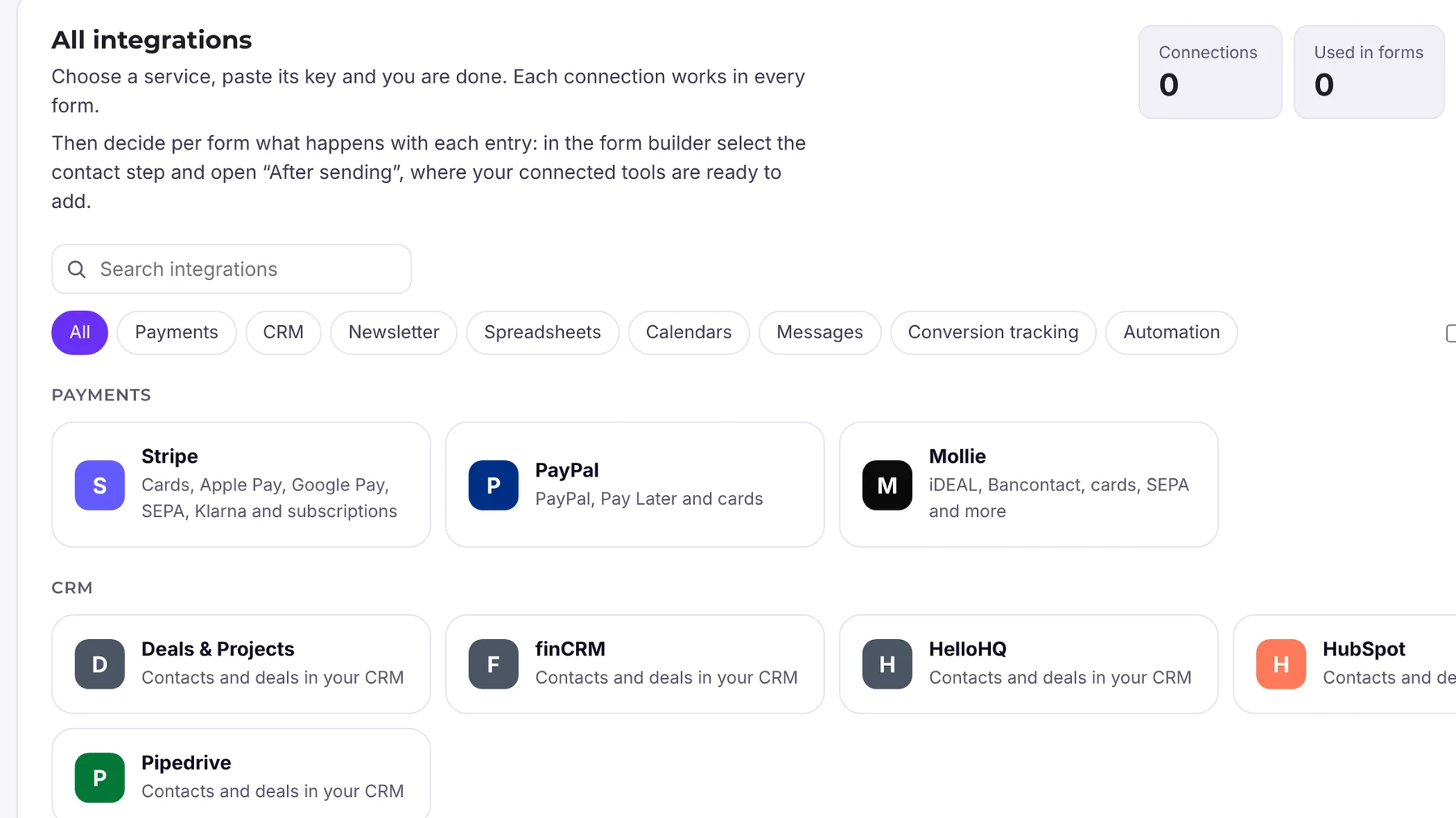
Funnelforms Pro creates contacts directly in KlickTipp, with no detour via Zapier. You set up the connection once and it is available in all forms. Double opt-in and confirmation to the lead are part of Pro too. For more control, use webhooks, Zapier, Make or n8n.
Frequently asked questions
What is the difference between tags and lists?
A list is a fixed bucket, a tag is a marker on the contact. One contact can have many tags, and automations react to exactly those markers.
What does KlickTipp cost?
Standard is about €30 a month for up to 2,500 contacts, Premium €50, Deluxe €70 and Enterprise from €170 (as of November 2026 according to public information, check with the provider).
Can Funnelforms pass contacts to KlickTipp?
Yes, Funnelforms Pro has a direct KlickTipp integration. Webhooks, Zapier, Make and n8n work too.
Is KlickTipp suitable for beginners?
Yes, if you are willing to write down a simple concept for tags and campaigns first. Without one it gets messy fast.