Newsletter or automation?
A newsletter is a campaign: you write it, pick recipients and send it once. An automation is a flow: a trigger such as “signs up” or “has a birthday” starts one or more emails, for each contact at their own time.
In Mailchimp these flows are called Customer Journeys. You build them from trigger, delay, condition and action. Once set up, they run every day, even while you are on holiday.
Before you start: six things to check
- Goal. What should the automation achieve: first purchase, appointment, review, return visit?
- Audiences and segments. Who gets the flow, who does not?
- Trigger. Which event starts it, and does that event reliably reach Mailchimp?
- Double opt-in. Consent must be confirmed and logged.
- Test contacts. Add two or three of your own addresses and run through the flow yourself.
- Authenticated domain. With SPF, DKIM and DMARC for your sender domain, emails land in spam less often.
Four automations that pay off
| Automation | Trigger | Content |
|---|---|---|
| Welcome | New contact confirmed | Thanks, what comes next, the promised item, a first helpful tip |
| Abandoned cart | Product in cart, no purchase (with connected shop) | Reminder with product, answer to common concerns |
| Occasion | Date on the contact, such as birthday or anniversary | Personal greeting, optionally with a small perk |
| Follow-up and re-engagement | Purchase, enquiry or no opens for a long time | Ask for a review, matching add-on or “Should we keep writing to you?” |
Start with the welcome email. It almost always has the highest open rate because the contact has only just met you.
Set up an automation in 5 steps
- Create a Customer Journey and choose a starting point, such as “contact joins audience” or “tag added”.
- Set a delay. Not every email has to go out immediately.
- Write the email: one topic, one link, a sender with a real name.
- Add conditions, such as “clicked” or “purchased”, and split the path.
- Check with test contacts and only then activate.
Segments and tags in Mailchimp
Mailchimp organises contacts in an audience. Within that audience you split them using tags, groups and segments:
- Tags you set yourself or by automation, such as “customer” or “website enquiry”.
- Groups contacts choose themselves when signing up, such as interests or topics.
- Segments are saved filters from tags, groups, fields and behaviour, for example “no opens in 90 days”.
Work with one audience and many tags rather than several audiences. Duplicate contacts across audiences cost twice.
Common mistakes
- Too many emails too fast. Three emails on day one feel pushy.
- No exit condition. Someone who bought should not keep reading “Buy now”.
- Messy data. Without first name, interest or source every email stays generic.
- Set up once, never looked at again. Check opens and clicks every quarter and replace weak emails.
- Forgetting unsubscribed contacts. In Mailchimp they usually count towards your contacts and therefore your price. Clean up regularly.
Which numbers to watch
| Metric | What it shows | What you can do |
|---|---|---|
| Open rate | Subject and sender work, the email arrives | Test subjects, authenticate your domain |
| Click rate | Content and call to action fit the reader | One link, one goal, clear copy |
| Unsubscribe rate | Too much, too often or off-topic | Space emails out, segment better |
| Revenue or enquiries per email | What the automation really delivers | Replace weak emails, build on strong ones |
Open rates have become less accurate due to privacy features in some email apps. Clicks and conversions are more reliable.
What Mailchimp costs in 2026
Mailchimp charges by plan and number of contacts. Starting prices in US dollars, as of November 2026 according to public pricing information:
| Plan | From per month | For whom |
|---|---|---|
| Free | $0 | Very small lists and first tries, with tight limits |
| Essentials | from $13 | Newsletters and simple automations |
| Standard | from $20 | Multi-step Customer Journeys, segments |
| Premium | from $350 | Large lists and teams, from 10,000 contacts |
The price rises with contacts. According to reports, the free plan was restricted further in early 2026. Check current limits with Mailchimp.
Contacts from forms into Mailchimp
An automation is only as good as the data that starts it. If your form only asks for an email address, you can only write generically afterwards. A multi-step form asks about interest or occasion first, and your welcome email can respond to it.
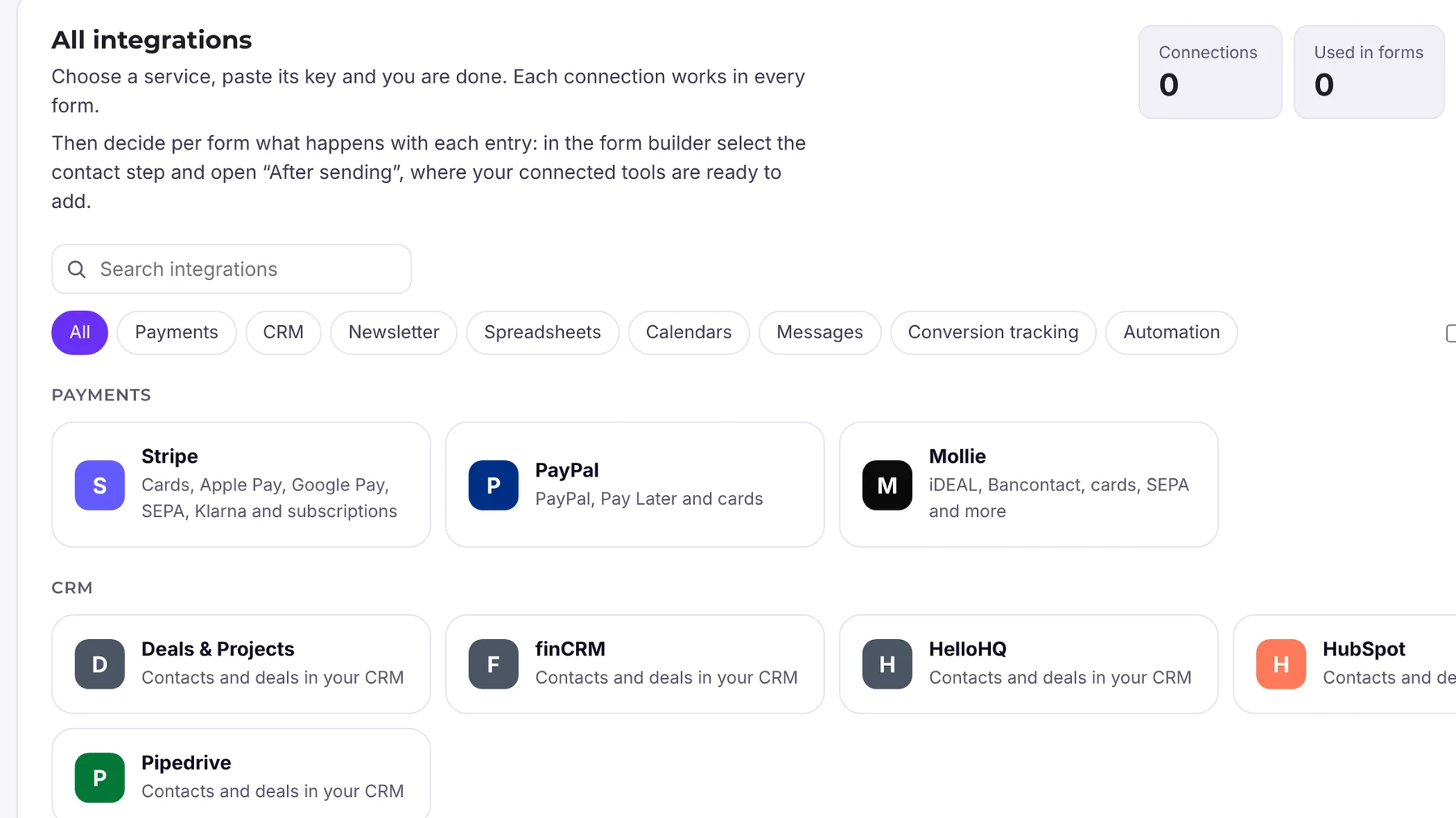
Funnelforms Pro creates contacts directly in Mailchimp. You set up the connection once and it is available in all forms. Double opt-in and confirmation to the lead are included in Pro as well. For your own flows, use webhooks, Zapier, Make and n8n.
Frequently asked questions
Can I use automations on Mailchimp's free plan?
Only to a very limited extent. Customer Journeys with several steps and conditions need a paid plan, and their scope grows with the plan (as of November 2026, check with the provider).
Do unsubscribed contacts count towards Mailchimp's price?
Usually yes, as long as they are stored in the audience. Archive them regularly.
Can Funnelforms pass contacts to Mailchimp?
Yes, Funnelforms Pro has a direct Mailchimp integration, plus webhooks, Zapier, Make and n8n.