Why a plain contact form falls short
A classic contact form asks for name, email and message. That is rarely enough to quote on. So you call back, send emails with questions and wait for answers. By the time the quote is ready, days have passed and the prospect has asked someone else.
A quote request form turns this around. In short steps it asks for exactly what you need to price the job. Visitors do not have to work out what to write, and you can often send a quote the same day.
What a quote needs
Look at your last ten quotes and note what you had to ask for every time. It is usually these six things:
- Service. What exactly should be done? As clickable tiles, not free text.
- Scope. Area, quantity, number of rooms or pages.
- Location. Postcode or address, if travel and service area matter.
- Timing. "As soon as possible", "within three months" or "just researching".
- Budget. As ranges to click, with an "I don't know yet" option.
- Files. Photos, plans or an existing quote to compare.
Tip: if you do not need it for the first quote, do not ask. The details come in the conversation afterwards.
Build the form in steps
The order decides whether visitors finish. A multi-step form in this order works well:
- Choose the service. One click, no typing: the easiest start.
- Questions about the service. Someone who picks "bathroom" gets different questions from someone who picks "roof". Conditional logic gives every answer its own path.
- Scope and timing. Numbers, sliders and choices.
- Location and files. Address and file upload for photos, with allowed file types and size.
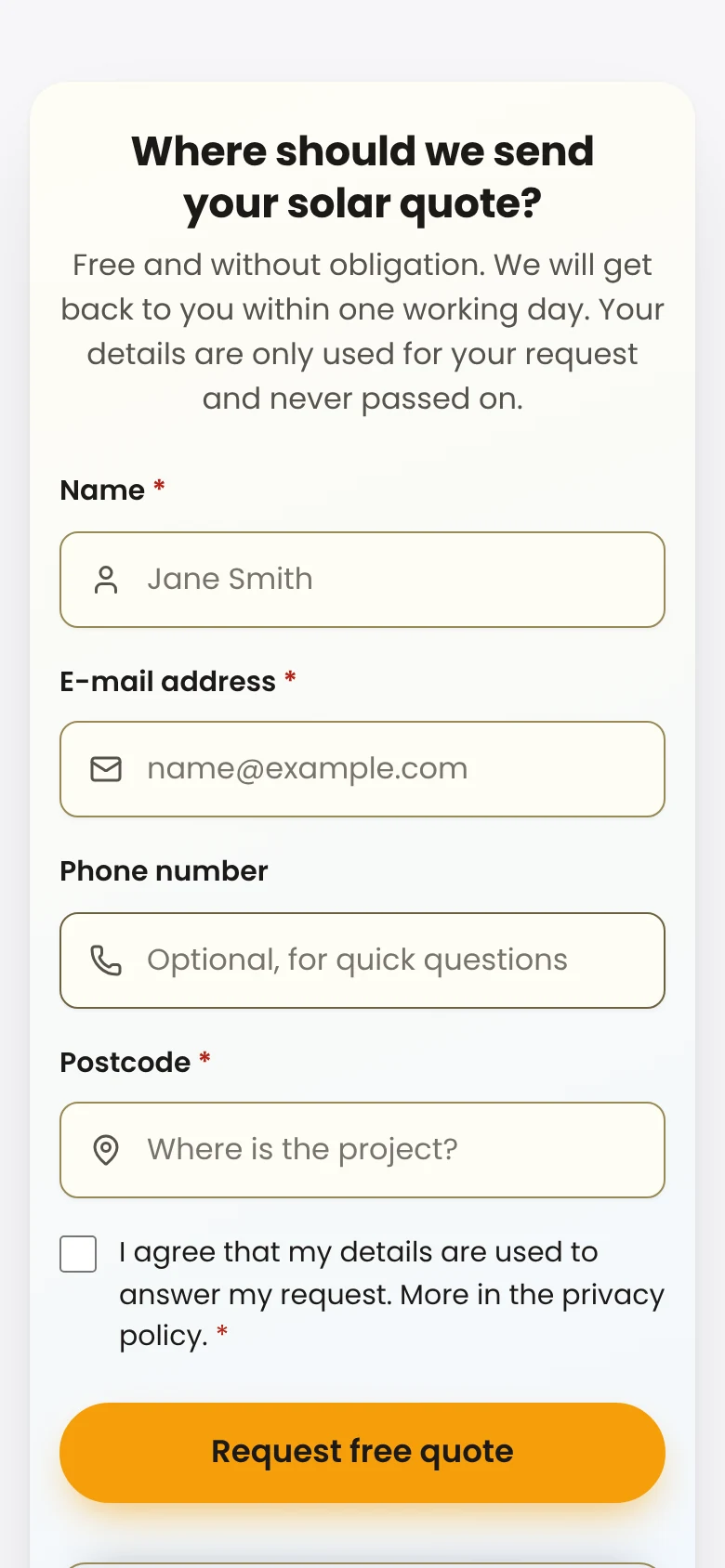
- Contact step. Only now name, email and phone, with consent where you need it.
In Pro, placeholders let you address visitors with their own answers in later questions, such as "When should the bathroom be finished?". For long forms, Continue later (Pro) lets people who still need to find a photo save their answers and pick up via a link.
After submit: reply fast
The best enquiry is worthless if it sits in an inbox. Set up what happens after submit:
- An email to you with every answer, in Pro optionally with the entry attached as a PDF you can use for pricing.
- A confirmation to the visitor repeating what they told you and the next step: "You will get your quote by noon tomorrow."
- A team alert (Pro) in Slack or Microsoft Teams so someone picks it up right away.
- A board for enquiries (Pro). Every entry gets a status, stage, owner and notes, so you see which ones are waiting for a quote.
- On to your CRM (Pro), for example as a contact and deal in HubSpot or a person in Pipedrive, or via webhooks, Zapier, Make and n8n.
Qualify without scaring people off
You want to know which enquiries are worth it without interrogating visitors:
- Ranges, not numbers. "$5,000 to $10,000" is easier to click than typing an amount.
- Honest exits. People outside your service area get their own ending with a friendly note instead of waiting for a quote that never comes.
- Lead score (Pro). A calculation rates every enquiry by budget, timing and scope. Sort the board by it and call the most valuable ones first.
Frequently asked questions
Can I build a quote form with Funnelforms Free?
Yes, with choices, text, numbers, dates, paths by answer, an email to you and a confirmation. File upload, address, slider, placeholders in questions, PDF attachment, board stages, Slack and Teams, CRM, webhooks and lead score are part of Pro.
How many questions are too many?
As many as you really need for the first quote. The statistics show per step where visitors leave; shorten there first.
How do I protect the form from spam?
The contact step has a captcha field. Entries detected as spam go to their own folder, and you can restore them from there.